How PatchDesign.AI Works
From concept to doorstep in 5 simple steps. Free design, Try On preview, expert review, and 10-day shipping.
See it work, end to end
Describe a patch, refine the design, and send it to production - the whole flow in under two minutes.
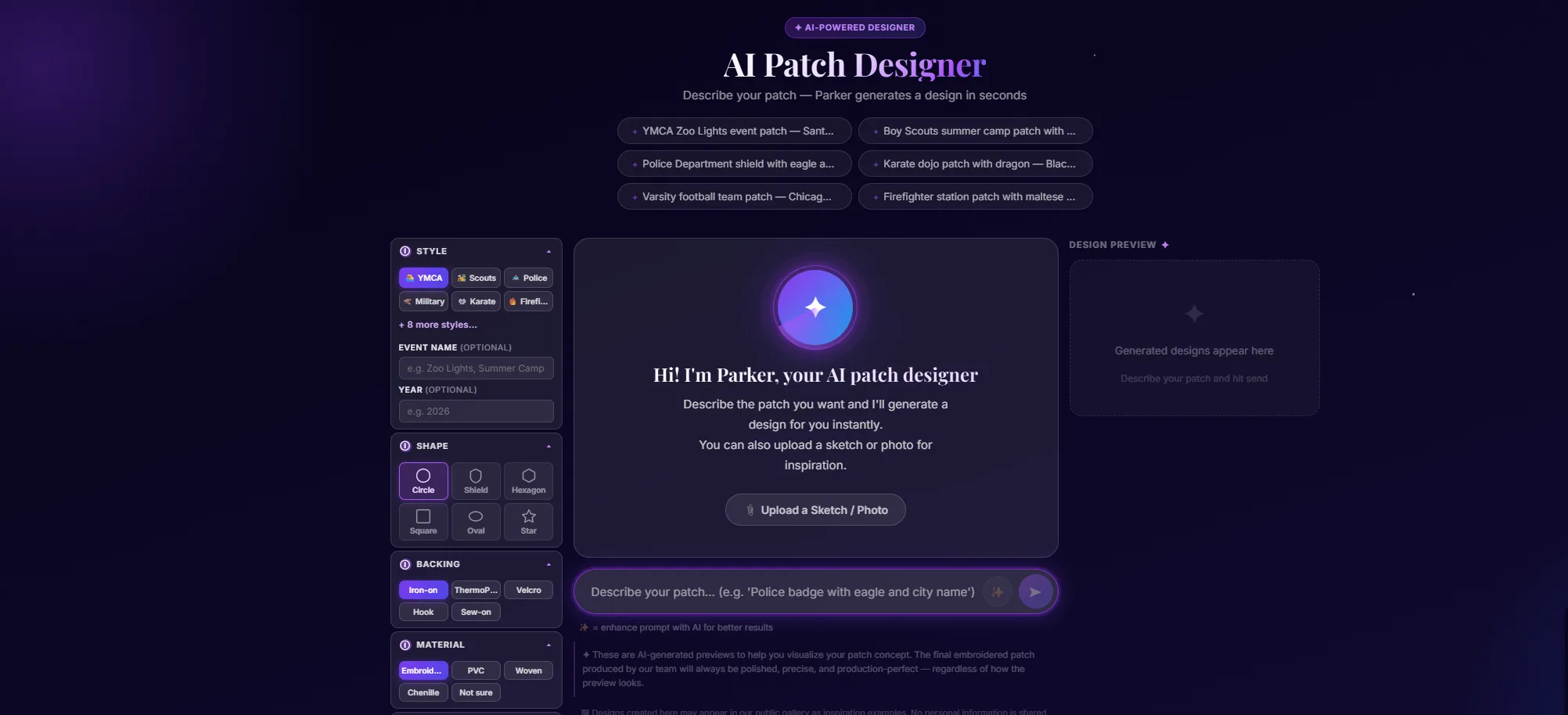
Describe your patch
Open the tool and tell Parker what you want - plain English. Use a starter chip (Eagle scout, karate dojo, fire-rescue, etc.) or type your own. Want a reference image? Tap the paperclip to attach a file or the camera icon to snap one with your phone.
- Plain English works - colors, shapes, mood, text on the patch
- Starter chips are good launch points (Eagle scout, dojo, fire rescue, YMCA)
- Attach a sketch, logo, or photo via the paperclip; the camera icon goes straight to your phone camera
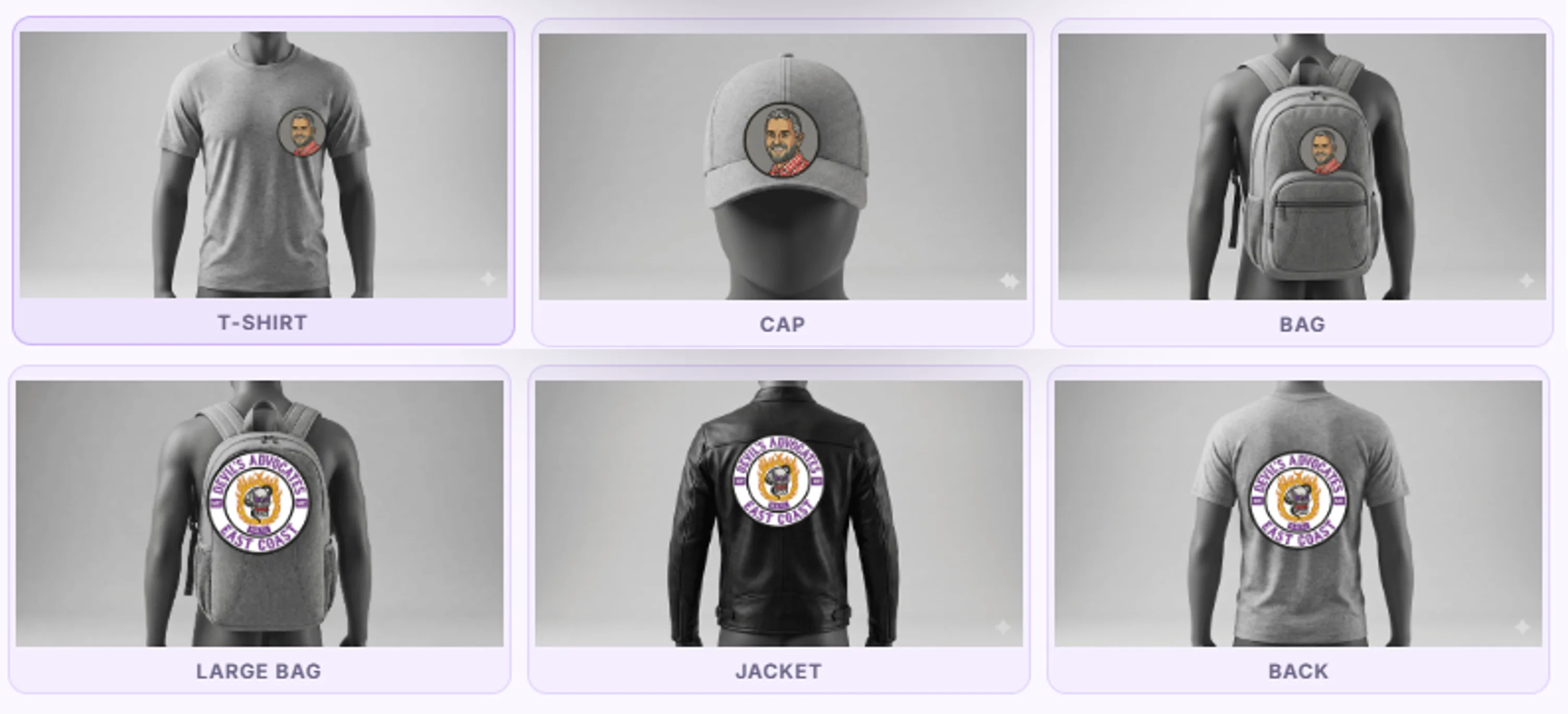
AI generates, then see the Try On preview
Parker generates the patch in seconds. The Try On panel renders it on real product mockups - hat, shirt, polo, long sleeve, jacket, big bag, small bag - at the correct proportion to the patch size you set, so what you see on screen is what you'd actually receive.
- Patches at ≥6 inches unlock the large-surface mockups (jacket, big bag, long-sleeve front, back of shirt)
- Smaller patches preview on hat, small bag, and shirt-front, and on a polo up to 4 inches wide
- Save, Download, or Share (Facebook, Pinterest, X) any design from the action row
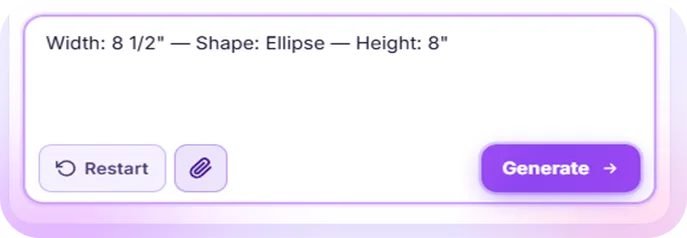
Refine via chat
Not perfect on the first shot? Keep chatting - "make it more retro," "swap the rope for a chain," "red instead of blue." Each message produces a fresh take while Parker remembers the design context. Or upload a second reference image to nudge the style.
- Brand auto-detection picks up cues like "YMCA" or "Boy Scouts" - official marks + approved colors land automatically
- Restart Chat clears the slate if you want a totally new direction
- Each prior design stays in the chat - scroll up to bring an earlier version back
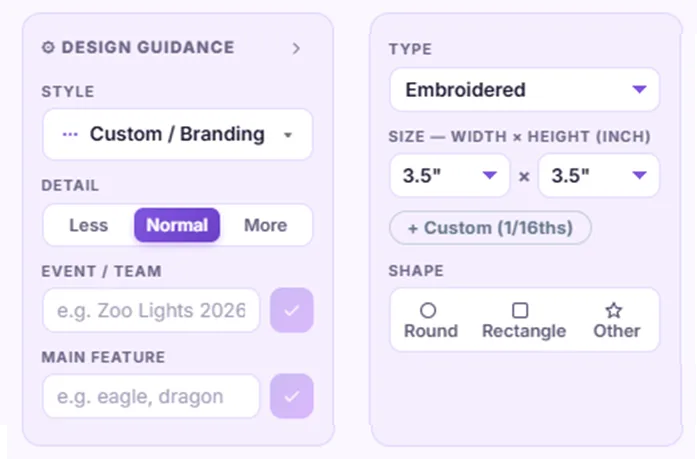
Configure type, size, shape, quantity, backing
Pick the technical specs: patch type (Embroidered, PVC, Iron-On, Velcro, Woven, Chenille), shape (Round, Rectangle, Other), size, quantity, and backing. The configurator feeds each choice back into Parker's prompt so the design respects the material's reality.
- Embroidered = classic; PVC = bold raised 3D; Iron-On / Velcro = peel-and-stick attachment options
- Open Options for material-specific recommendations
- Quantity drives the per-unit price - bulk discounts kick in automatically
Send for review + delivery
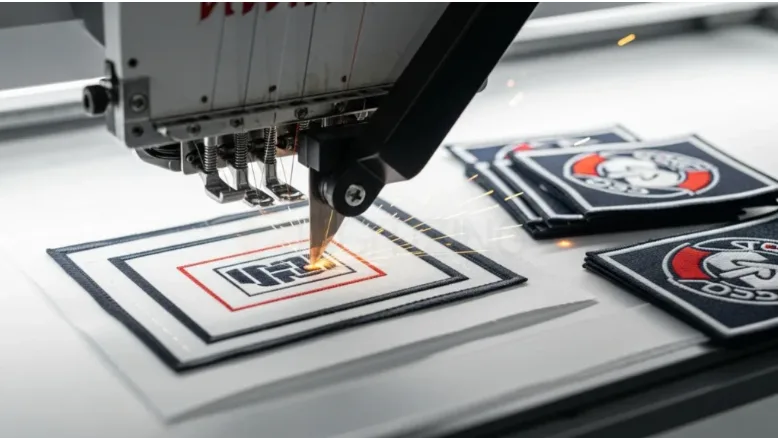
Hit Send for Review & Production. Our human team checks the design for production feasibility, then we manufacture and ship worldwide. The price shown is your price, the same rate we charge, not a starting figure. No quote is needed unless you choose a backing or border with no set price. Then we confirm that price within 2 business hours. Standard production and shipping is about 10 business days, with free global shipping.
- The price shown is your price, the same rate we charge, not a starting figure. No quote is needed unless you choose a backing or border with no set price. Then we confirm that price within 2 business hours.
- Standard production and shipping: about 10 business days, free global shipping
- Reviewer flags color-count, text legibility, and border clarity issues before production starts
Ready to Design Your Patch?
It's completely free. No credit card, no account needed.
Design with Parker