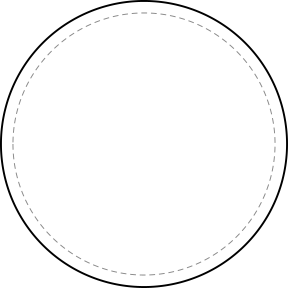
3" round
3 x 3 in (7.6 x 7.6 cm)
The most common patch: uniform shoulders, troop, team and club patches.
Ten standard patch shapes, each drawn at its real size with its measurements in inches and centimeters and what it is usually worn for. Download any outline as an SVG, or open it in the free AI patch designer and describe what goes inside.
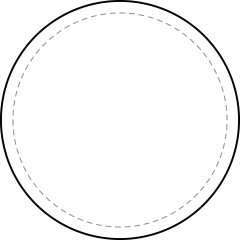
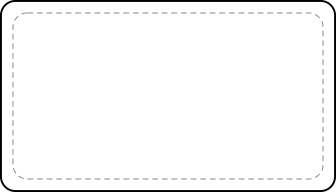
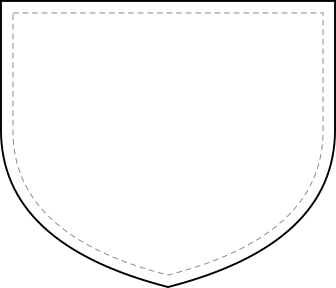
Outlines are shown at real size at 100% zoom on most screens. The solid line is the edge of the patch; the dashed line is 1/8 inch inside it, about the width of a stitched border.
The most common patch: uniform shoulders, troop, team and club patches.
Hats, caps, small event patches and collectibles.
Name and title patches on work shirts, jackets and coveralls.
Crests, department and security patches, school and sports badges.
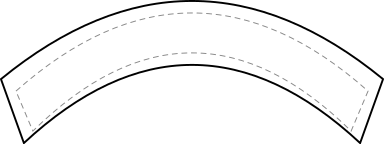
Top and bottom rockers: club, station, city or unit names arched over a patch.
Tabs above a shoulder patch: a unit, a call sign or a single word.
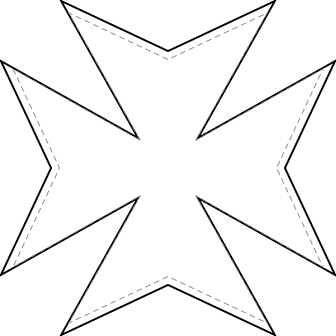
The fire service shape: department, engine and ladder company patches.
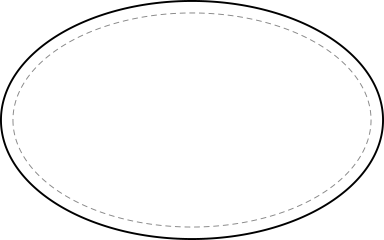
Brand logos, work wear, automotive and club badges.
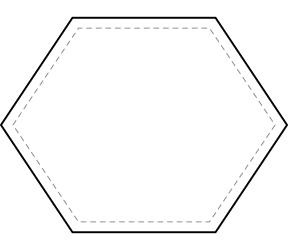
Tech, gaming, outdoor brands and modern logo patches.
Morale patches and PVC patches on hook-and-loop panels.
Not sure which size? The patch size guide shows each size against real garments, and the price table prices every size and quantity.
Describe any outline and the AI patch generator draws it, free.
Open the AI designer