Guide
Patch Design: How to Design a Custom Patch
How to design a custom patch free with AI: embroidered, PVC, woven, chenille and printed. Real prices, size rules, templates, and what production changes.
Patch design is the drawing, the type choice, and the size decision that turn an idea into something a factory can stitch, weave, mold, or print. The design itself is free on PatchDesign.AI. You describe what you want, the AI draws a first patch, you change it in chat, and a person reviews the file before any patches are made.
This guide is the practical version of that path. It covers a patch design you make yourself, what a free patch design template is for, how an online patch design works, what the design costs (nothing) versus what the patches cost, where to look for patch design ideas, and the extra rules that apply when the patch will be embroidered. Every price below is the same number the checkout uses.
How can I design my own patches?
Start with the thing the patch has to say at arm's length. A team name, a unit, a camp, a company, or a one-line joke is enough. Open the free AI designer, type that in plain words, and add the patch type if you already know it: embroidered, PVC, woven, chenille, or printed. The first image is a draft, not a commitment.
Then edit the draft the way you would talk to a designer. Ask for fewer colors, a thicker border, a shorter word, or a different shape. Keep text large and shapes separated. A patch is small. A design that looks sharp on a laptop screen can still fail when the stitches, the loom, or the mold cannot hold a hairline.
When the picture is the one you want, choose the size, the quantity, and the backing, and send it. Sew-on is the backing included in the price. Optional backings on an embroidered patch are listed on the price sheet: Iron-on backing (+$0.15 each), Hook backing (+$0.45 each), Hook & loop (full velcro) (+$0.75 each), Adhesive back (+$0.20 each), Sew On + Button Loop (+$0.10 each). A person then redraws the file for the process you picked. You approve that artwork before the run starts. Production is about 10 business days from that approval, and shipping is included.
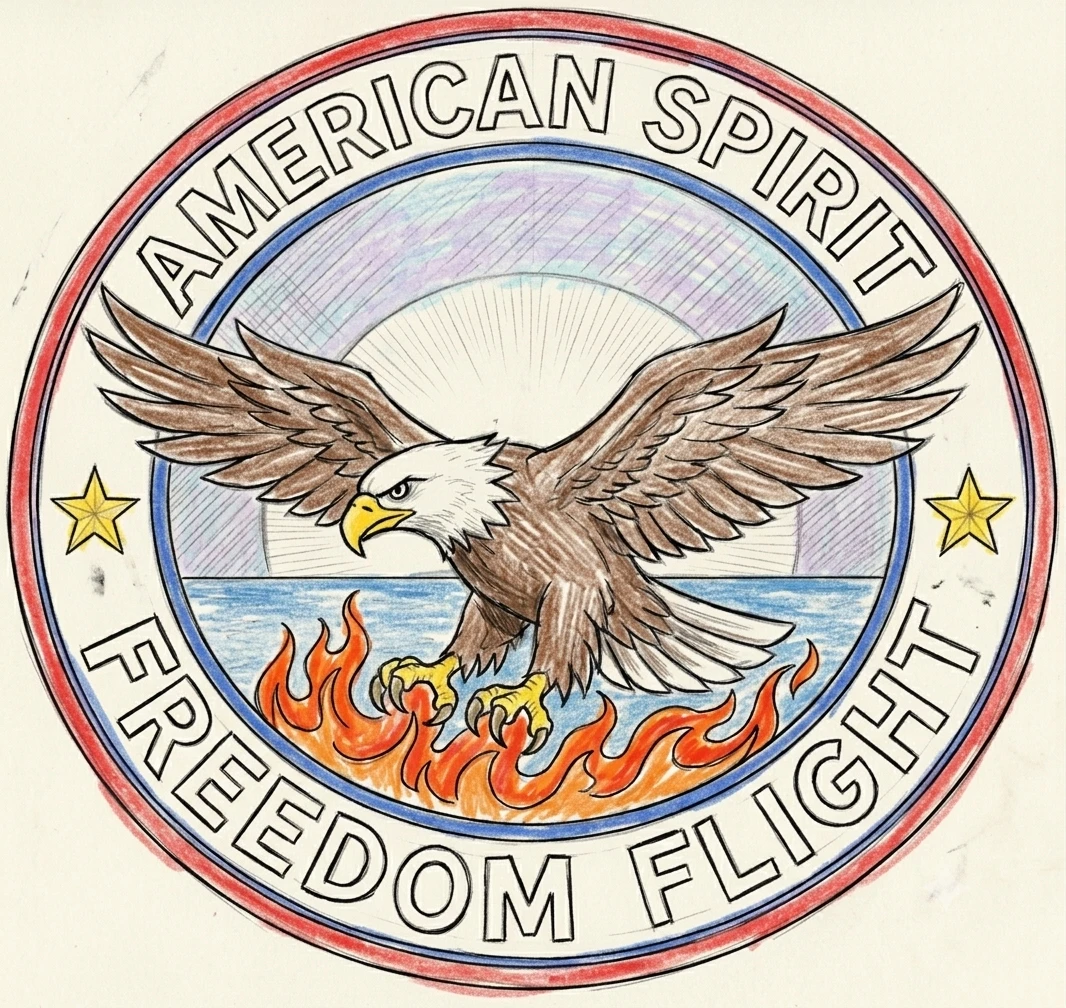
You can also bring a logo or a sketch you already have. The hand-drawn eagle on this page is the same kind of starting point: a picture of the idea, then a produced patch of that idea. The designer accepts a description or a reference, and the review step is what makes the file sewable.
- Describe the patch. Open the AI designer and say the subject, the words, the colors, and the type.
- Edit the draft. Use chat to thicken lines, cut extra colors, and shorten text that will not fit the size.
- Choose size, quantity, and backing. Size is the average of width and height. Sew-on is included. The price is the sheet cell for that row.
- Approve the artwork. A person redraws the file for production. You approve it, then the run takes about 10 business days.
How much does it cost to design a patch?
Designing the patch is free. There is no charge to generate the artwork, no subscription, and no charge to revise it in chat. You pay when you order physical patches, and the price is the cell on the public price sheet for that type, size, and quantity.
Size is the average of the width and the height. A 2 inch by 2.5 inch patch averages 2.25 inches and is priced on the 2" row, because an exact midpoint rounds down to the nearer smaller size key. The full grid is on the pricing page, and the same function prices the order.
The lowest embroidered cell is $0.60 at 2000 pieces in the 1" size. Woven reaches $0.87 at 2000 in the 1.25" size. Chenille reaches $1.37 at 1000 in the 1.25" size. Printed reaches $0.79 at 500 in the 1.25" size. PVC 2D reaches $0.24 at 5000 in the 1" size. Those are volume prices. A shorter run costs more per patch, which is why the sheet is a table and not one number.
There is no order minimum. One patch is sold as a sample, up to 5 inches on the longest side. An embroidered photo sample is $30.00 and the patch is not shipped: you get photos of a real produced patch. An embroidered mailed sample is $60.00, shipping included. $30.00 of that sample comes off a later run of the same design, once. The price tables start at 10 pieces for embroidered, 25 for woven, 25 for printed, 10 for PVC, and 5 for chenille. Below that first break, a production quantity is confirmed by the team rather than charged from an empty cell.
Read the pricing page for the whole grid, and the sample notes on an order page for what a single patch includes. Free shipping is part of the patch price. It is not a second line you add at checkout.
Where can I find a free template for patch design?
A patch design template is a real-size outline you can draw inside, not a finished logo. The free template set is ten outlines at the sizes patches are actually made, as SVG files you can open in any drawing program. Use one when you already have a pencil sketch or a vector file and you want the shape and the safe area to match a size on the price sheet.
A template does not pick the thread colors or the backing for you. It keeps the art inside a shape the cutter can follow: a circle, a rectangle, a shield, or a contour. If you do not have artwork yet, skip the blank file and start in the designer. The template page is the right door when the question is "where is a free shape at 3 inches," and the designer is the right door when the question is "make me the patch."
Download a template, draw inside it, and upload the result as a reference. Or ignore the file and describe the same shape in chat ("a 3 inch shield, merrowed border, two lines of text"). Both end at the same review. The outline is a guide. The produced patch still follows the limits of the material.
Patch design online
An online patch design means the whole loop stays in the browser. You do not install software, you do not email a file back and forth to learn the price, and you do not wait on a quote to see a picture. The page shows the patch, the type, the size, and the price from the same sheet this guide uses.
Online does not mean the factory is skipped. After you order, the artwork is redrawn for thread, rubber, yarn, or print, and you approve that version. That step is why a design made in a general drawing app still needs a patch-specific pass: those apps do not know that a stitch has a width.
If you are comparing tools, the useful test is whether the file can be made. A pretty mockup that uses a photograph, a thin script, and forty colors is a picture. A patch design is a picture that survives the process you picked.
Free patch design
Free patch design means the artwork costs nothing, including the revisions. You can make several versions, change the type, and look at the patch on a garment before you decide to order. The free part stops at the physical patches. Those are priced from the table, with shipping included and no separate design invoice.
A free design is still reviewed by hand when you order. The review is not a paid add-on and it is not optional on a production run. It is how a design that looked right on screen becomes a file the factory can run. The pre-production sample inside a paid order is the same promise: you see a real patch before the full quantity is made.
AI patch design
AI patch design is a first draft from a sentence. It is fast, and it is only the first draft. Say the subject, the wording, the colors, and the type. "Embroidered shield for a scout troop, pine tree, dark green and gold, text TROOP 42" is a better prompt than "cool patch," because the model fills in anything you leave out.
Use the chat to correct it. Ask it to drop a gradient, thicken a line, or cut a word that will not fit at 3 inches. Then look at the design-versus-production pages if you want to see what that type does to a detailed picture. Embroidery, weaving, chenille, and PVC each change the art in a known way. Printed patches keep gradients and fine detail that thread cannot.
The AI does not replace the person who checks the file. Every ordered design is reviewed by hand. That is the difference between a generated image and a patch design you can manufacture.
Patch design ideas
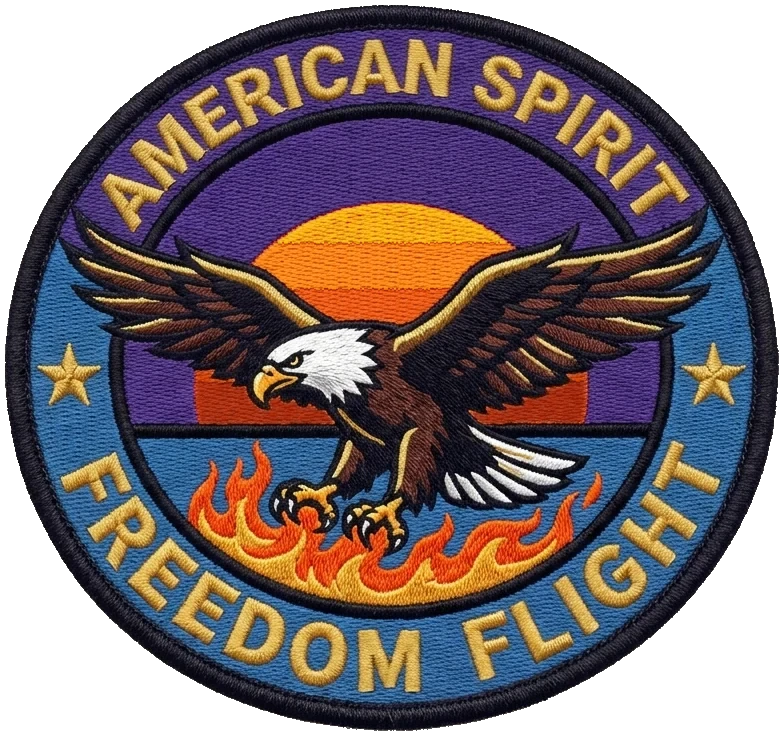
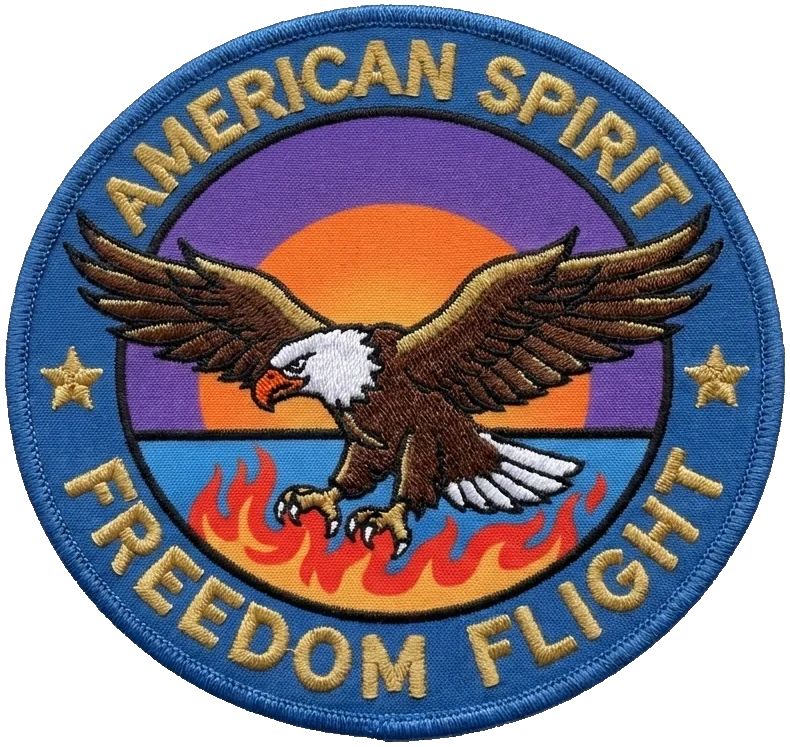
Patch design ideas are easier to judge from finished patches than from a blank page. The gallery is real work from the designer, sorted so you can see sports, scouts, public safety, and the other jobs patches actually do. The eagle set on this page is one design made five ways, so you can see the material change without the subject changing.
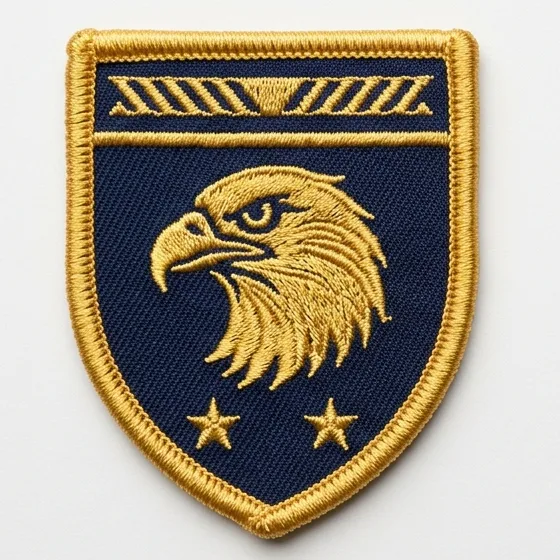
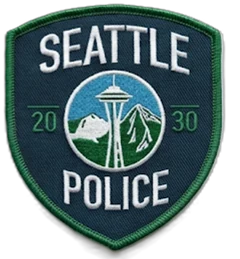
Borrow a structure, not a trademark. A shield with a border and two lines of text is a structure. A department's real shoulder patch, like the Seattle police patch shown here, is a reference for how much detail embroidery can hold on a shoulder, not a design to copy. Your wording, your colors, and your symbol should be yours.
If you want a starting point by subject, the theme pages group ideas such as animals, crests, and lettering, and each one opens the designer with a prompt you can edit. The occasion pages do the same for a date: a birthday, a holiday, a season.
How can I design my own embroidered patch?
Embroidery is stitched thread. It is the most common patch, and the one that changes a screen design the most. Up to 20 Colors. Extra shades are merged into the nearest thread. The smallest text that stays readable is about 0.25". Roughly 1/4 inch cap height; smaller fills in. The thinnest line is about 1mm. Anything finer than a satin stitch is dropped or thickened. Gradients are approximated: Blended into stepped bands of thread.
Design an embroidered patch like a sign. Use a few solid colors, thick shapes, and letters you could read across a room. A merrowed border is the usual edge: a wrapped thread around the shape. A hot-cut edge follows a custom outline without that raised wrap. A die-cut edge follows an irregular outline cut to the design. Pick the border while you are still drawing, because it changes the silhouette.
Small text and thin lines that embroidery would lose are a reason to look at woven instead. Woven uses a finer thread, up to 7 colors, and it sits flatter. Chenille is the fuzzy varsity fill: 3 color layers included, on a felt base, and it wants the simplest shapes of the set. PVC is molded rubber, up to 12 colors, waterproof, and a different object from a stitched patch. Printed is unlimited colors, which is the honest choice for a photograph or a smooth blend.
The embroidered comparison page shows one design as a sketch and as a stitched patch, with the same limits in a table. Use it when you are about to approve artwork and you want to know what will move. Then order from the designer, or from the pricing page if you already know the size and the quantity.
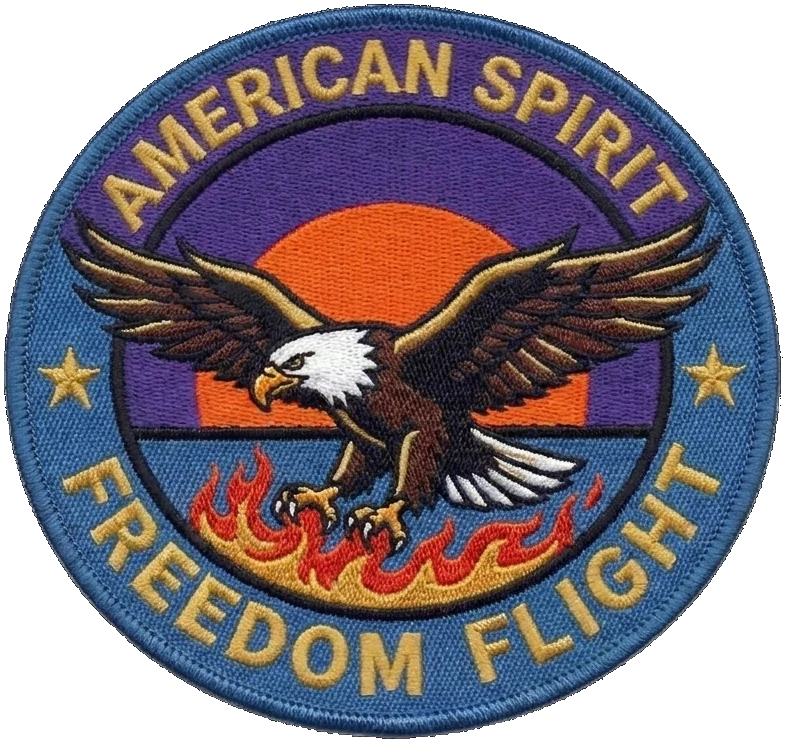
See an embroidered design next to the stitched patch · Embroidered patch details
The same patch design in other materials
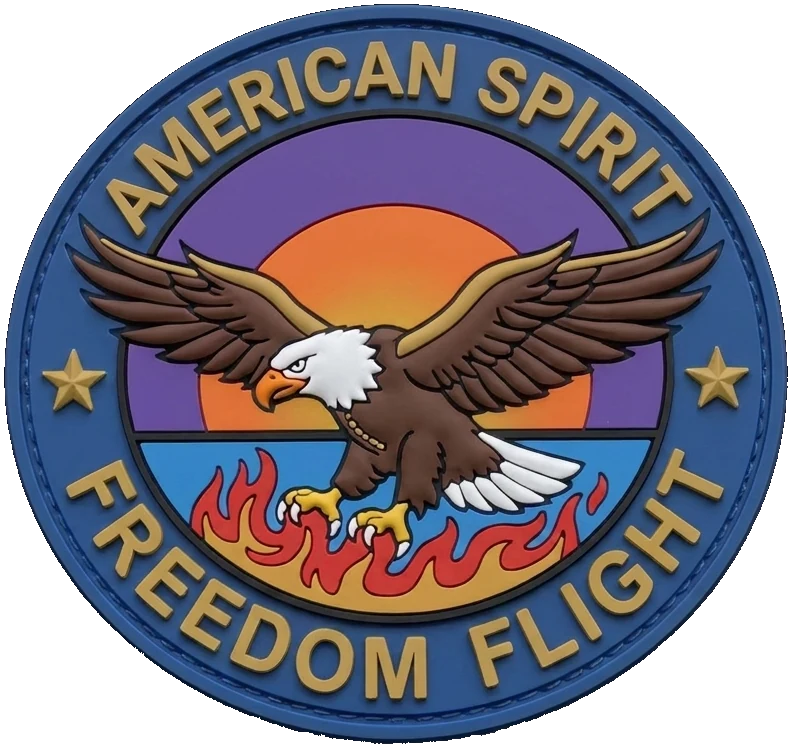
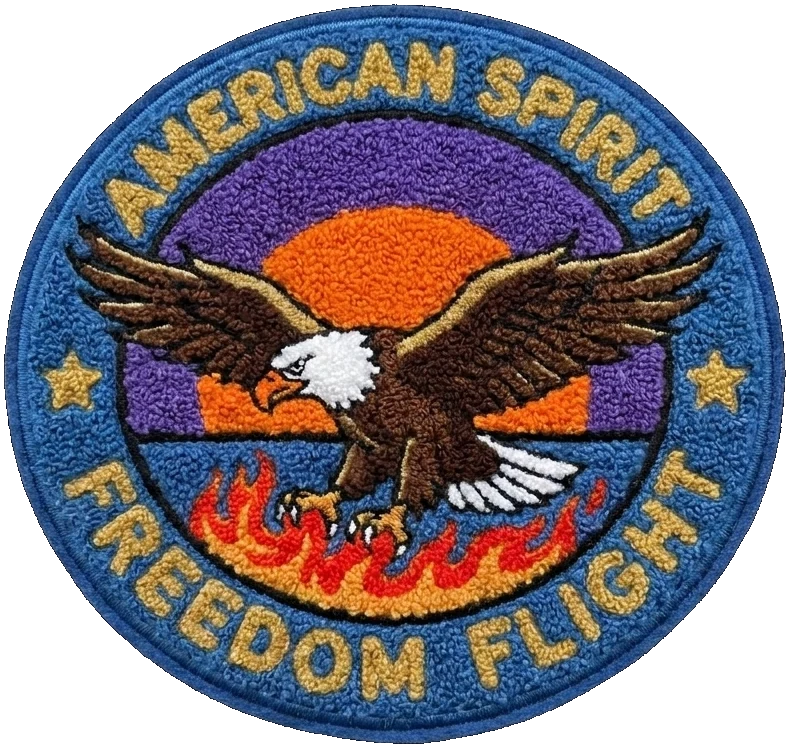
The eagle on this page is one emblem made as embroidery, a weave, chenille, PVC, and a print, plus the pencil sketch it can start from. Use the row to see the material, then open the matching type page for the price table and the limits. Woven keeps small detail and gives up the raised stitch. Chenille is thick and simple. PVC is a molded shape. Printed keeps the gradient the others have to step.
Practical tips before you order
Keep the longest side in mind before you fall in love with the detail. A hat patch and a jacket-back patch are not the same design at two zoom levels. Price the size you will actually sew on, using the average of width and height, and check that average against the row the price sheet will use.
Count the colors you can name. If two greens only differ because the screen anti-aliased them, they are one thread. Embroidery stops at the color count in its includes line. Woven stops at seven. PVC stops at twelve. Printed does not stop. Extra near-shades in a thread patch get merged, which is better done by you than discovered on the proof.
Put the words in last, and make them short. A motto that fits a poster will not fit a 3 inch patch. If the text is the point of the patch, design the letters first and the picture around them.
Decide the type before the last polish. A design drawn for print will disappoint as embroidery, and a design drawn as chunky chenille will look empty when it is woven. The type cards on the homepage and the type pages under Patches spell out what each one includes. Match the design to that list, then generate.
Order a sample when the run is large or the artwork is new. The sample is one real patch, photographed or mailed, and the credit applies to a later run of that same design. A reorder of a design you already approved does not need another sample. Changing the artwork is a new design, and that one does.
Patch design questions
Is patch design free?
Yes. Generating and revising a patch design on PatchDesign.AI is free. You pay for the physical patches, from the public price sheet, with shipping included.
How do I design my own patch?
Describe it in the AI designer, edit the draft in chat, pick the type, size, quantity, and backing, and approve the artwork a person prepares before production.
What is the lowest embroidered price?
The lowest embroidered cell is $0.60 per patch at 2000 pieces in the 1" size. Smaller quantities cost more per patch. The full table is on the pricing page.
Where are the free patch design templates?
The template tool has real-size SVG outlines you can draw in. If you do not have artwork yet, start in the AI designer instead of a blank file.
What changes when a design is embroidered?
Up to 20 thread colors, text about About 0.25", lines about About 1mm, and gradients that are stepped into bands of thread. The comparison page shows one design before and after.